October 30, 2026
Procreate coloring pages for adults: how to set them up and color them
How to import coloring pages into Procreate, color inside the lines with a reference layer and ColorDrop, shade with a gray layer, and print the finished page.
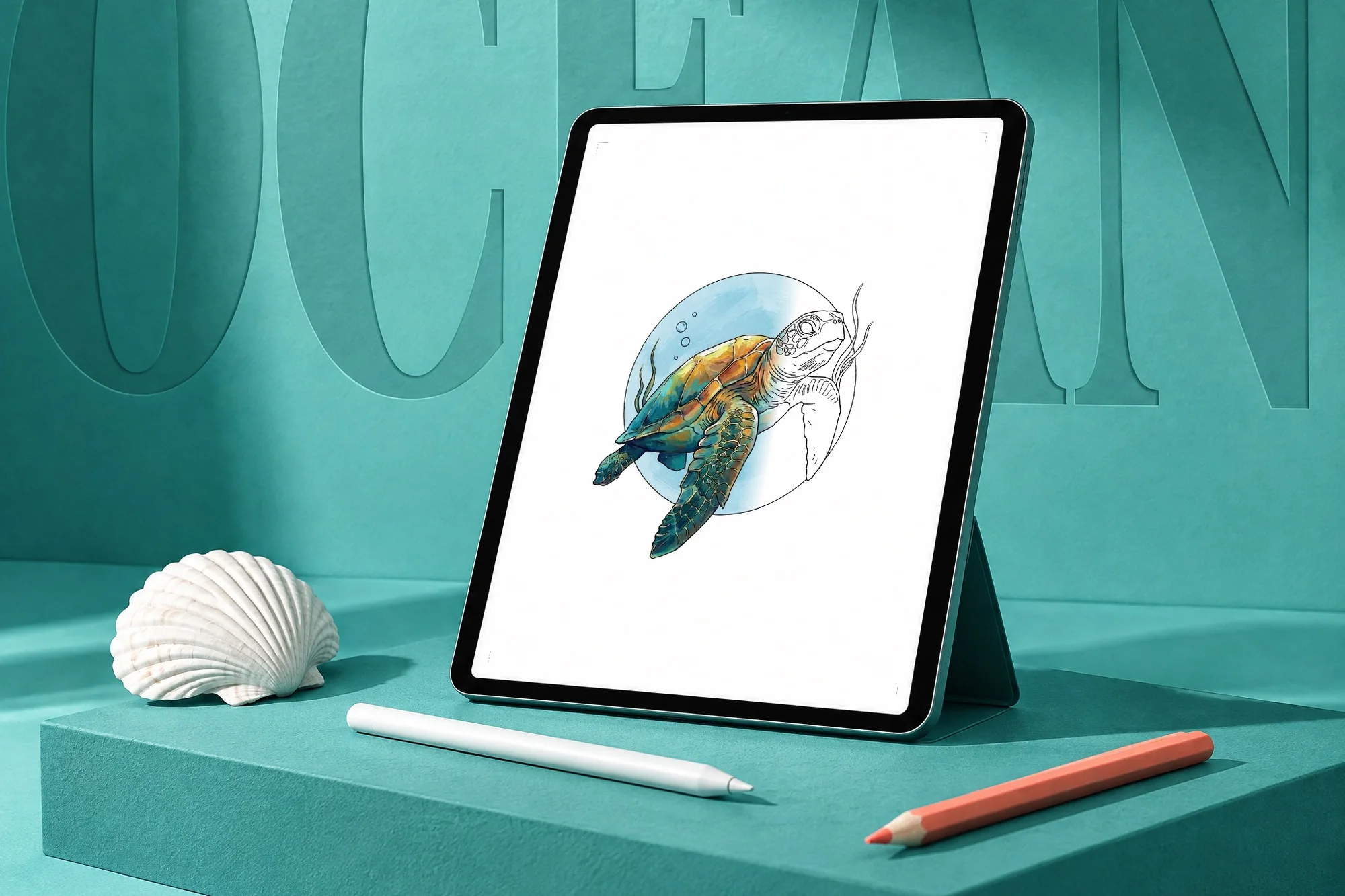
A Procreate coloring page is a line drawing on a transparent background. You import it into Procreate as the top layer and color on layers underneath, so your color never covers the lines. Nibfern's Procreate editions give you every drawing from a book as three files: a transparent line layer (PNG), a light gray value layer and a finished color guide, on a 2100 x 2700 px canvas. Two are on Etsy: Quiet Ocean for Procreate and Quiet Winter for Procreate, with 45 realistic drawings each.
What are the best coloring pages for Procreate?
Procreate doesn't come with a library of coloring pages, so you import them. The best are transparent coloring pages for Procreate, with four things that make a page easy to color on an iPad:
- A transparent background. The line art should be a PNG with no white behind it, so it can sit on top of your color layers.
- Closed outlines. Procreate's fill tool needs an unbroken edge. A small gap in a line lets the color leak out.
- Enough pixels to zoom. At 2100 x 2700 px, a Nibfern page is 7 x 9 inches at 300 ppi, the same size as the drawing in the paperback, so it stays sharp when you zoom in and when you print.
- A shading guide and a color guide. Realistic subjects are easier to color when you can see where the light falls and what the finished animal looks like.
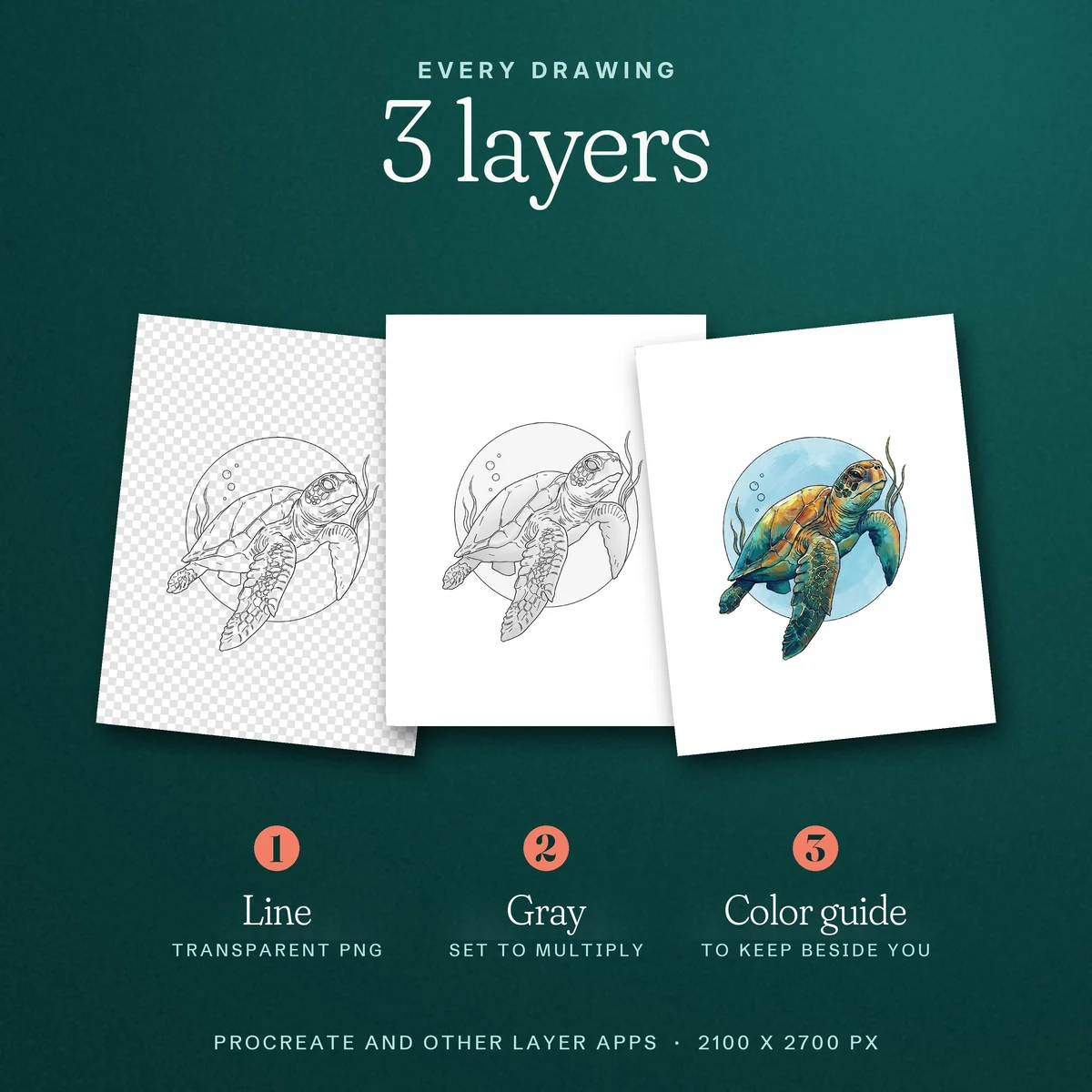
How do I download coloring pages to Procreate?
- Download the ZIP files from your Etsy purchases on the iPad and save them to the Files app.
- Unzip them: in Files, tap a ZIP file and it opens into a folder. Each drawing has its own folder with its three files.
- Open the gray file as a new canvas. In the Procreate gallery, tap Import and choose the gray file, or drag it in from Files in Split View.
- Add the line file on top. In the canvas, open Actions, then Add, then Insert a file (or Insert a photo if you saved it to Photos). Move that layer to the top of the Layers panel.
How do I set up the layers?
From top to bottom, your Layers panel should read: the line layer, your color layers, then the gray layer.
- Line layer (top). Leave it alone. It keeps the outlines crisp over everything you paint.
- Color layers (middle). Add as many as you like. One layer per part of the animal (the shell, the skin, the water) makes changes easy later.
- Gray layer (bottom). Tap the N on the layer to open its blend modes and choose Multiply, so the gray shows through your color as shading. Lower its opacity if it is too strong, or hide it when you are done.
How do I color in Procreate without going over the lines?
Three Procreate tools keep your color inside the drawing.
- Reference layer and ColorDrop. Tap the line layer, tap it again to open Layer Options, and turn on Reference. Then select a color layer and drag the active color swatch from the top right into a shape. Procreate fills up to the lines of the reference layer, but puts the color on your color layer. Before you lift your finger, hold and slide left or right to change the ColorDrop Threshold: left fills less, right fills more. If the color floods the whole canvas, lower the threshold or close the gap in the outline.
- Alpha Lock. After a flat fill, swipe right with two fingers on that color layer to turn on Alpha Lock. Now you can shade and blend with any brush, and the paint only lands where there is already color.
- Clipping Mask. Add a new layer above a color layer, tap it twice to open Layer Options and choose Clipping Mask. Anything you paint on it shows only inside the shape below, which is ideal for shadows, highlights and texture you may want to change later.
Our guide to coloring with a gray shading guide explains how to read the lights and darks, and it works the same way on screen as on paper.
How do I keep the color guide in view?
Save the color file to your Photos, then open Actions, Canvas and turn on Reference. In the Reference window, tap Image, then Import Image, and choose the color guide. It floats over your canvas while you work, and you can move it or make it smaller. Split View with the Photos or Files app works too. Every drawing also has a free page in our color guide with its real colors and the colored pencils we would use.
Can I print and frame a page I colored in Procreate?
Yes. Open Actions, Share, and export the finished canvas as a PNG or JPEG. The canvas is 7 x 9 inches at 300 ppi, so print it at actual size (100%, not "fit to page") on a US Letter or A4 sheet. If your print app shows a size, set it to 7 x 9 inches. Trim the white border and it fits a standard 8 x 10 frame. A printed, framed page also makes a handmade gift.
Which Procreate set should I choose?
Both sets have the same three files for every drawing. Choose by subject.
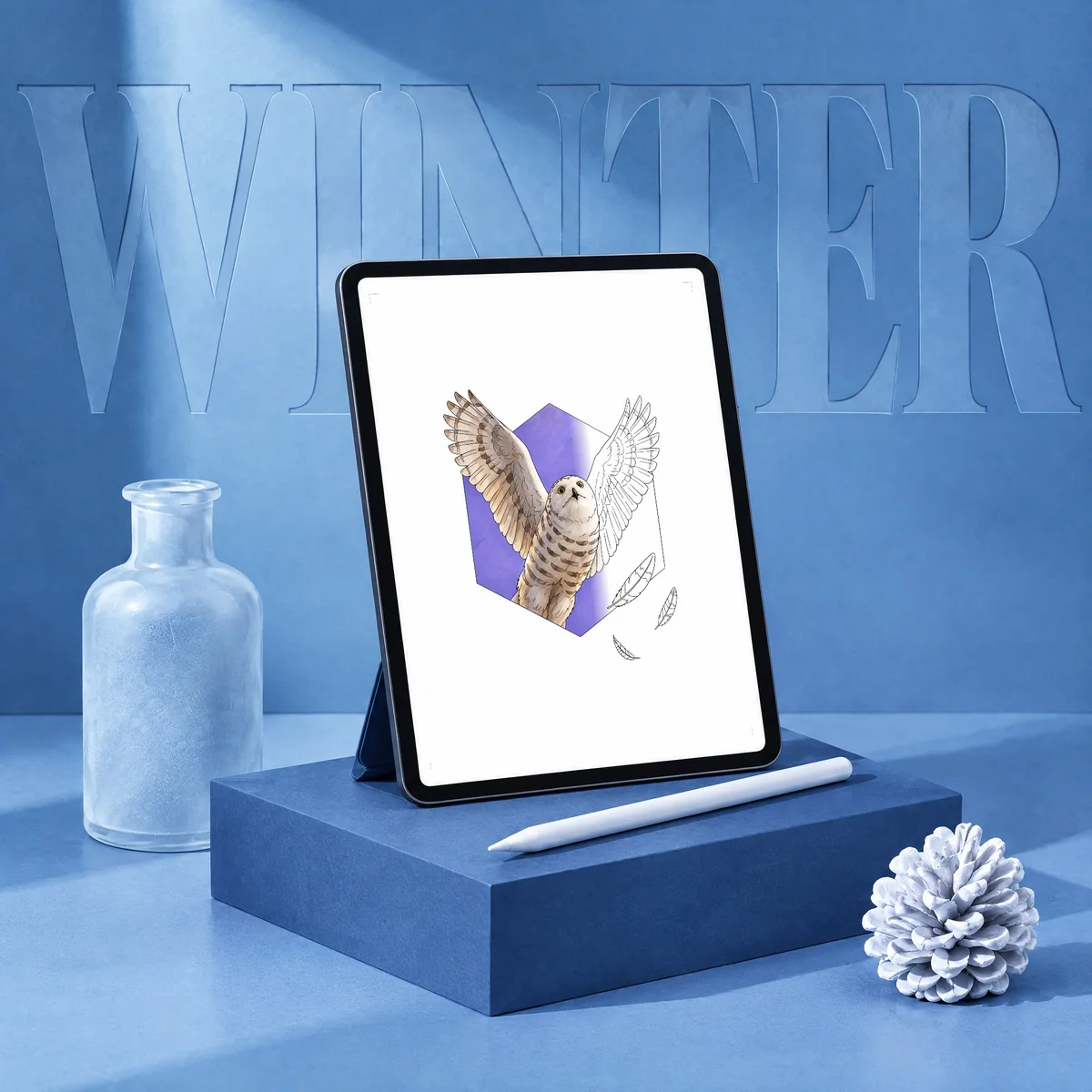
- Quiet Ocean for Procreate: all 45 ocean drawings, from the sea turtle and octopus to reef fish, sharks, shells and a diving helmet.
- Quiet Winter for Procreate: all 45 winter and Christmas drawings, from the snowy owl and red fox to the northern cardinal and poinsettia.
The same drawings come as paperbacks, Quiet Ocean and Quiet Winter, and as printable PDF sets on our Etsy shop. Want to try one first? Get a free printable coloring page.
In short
Put the transparent line layer on top, color on layers below it, and set the gray layer to Multiply. Turn on Reference for the line layer so ColorDrop fills stay inside the lines, then use Alpha Lock or a Clipping Mask to shade.
Buy on Amazon Printables on Etsy
Quick answers
Does Procreate have coloring pages?
No. Procreate does not include a library of coloring pages, so you import them. The best ones for Procreate are line drawings on a transparent background (PNG), which go on the top layer while you color on the layers underneath.
How do I color in Procreate without going over the lines?
Turn on Reference for the line layer, select a color layer underneath and use ColorDrop: the fill stops at the lines of the reference layer. Then turn on Alpha Lock or add a Clipping Mask so shading stays inside the color you already laid down.
What is in the Nibfern Procreate editions?
All 45 drawings from Quiet Ocean or Quiet Winter. Each drawing has a transparent line layer (PNG), a light gray value layer to set to Multiply and a finished color guide, on a 2100 x 2700 px canvas, which is 7 x 9 inches at 300 ppi.
Can I use these coloring pages in other apps?
Yes. The files work in other drawing apps that support layers, not only Procreate.
Can I share my finished pages?
Yes. You may post your finished pages and time-lapse videos online; please credit Nibfern. The files themselves are for personal use, so please don't share or resell them.